Verify authenticity
The ALD genesis manifest is signed with an Ed25519 key. You can verify its authenticity yourself in three steps — without trusting us, without a server, without an account.
Genesis identity
- Address
- ald1jrrvknsy0r8kllg280elfzqarfk8lerr
- Public key
- 6d7492d9046a466dcfb920285109e731096d46d7be702bb311b66f807f6b96a8
- Curve
- Ed25519 (RFC 8032)
- Hash algorithm
- BLAKE2b-256
- Signature algorithm
- Ed25519 (EdDSA)
Public files
These files are openly available. Anyone can download and inspect them.
Verify it in 3 steps
Recompute the BLAKE2b hash of the manifest
Download MANIFEST.md and manifest_envelope.json. Recompute the hash and compare it to manifest_hash_hex in the envelope.
$ python3 -c "import hashlib; print(hashlib.blake2b(open('MANIFEST.md','rb').read(), digest_size=32).hexdigest())"
49b44aeb1fa00978e3f7498da8f58e2dcaddbd7c315e48f47468b139a2f6ce9a
If they match, the manifest is unmodified.
Verify the Ed25519 signature
Using the public key and the signed payload, you can validate the signature without any input from us. Requirement: Python package cryptography.
$ python3 verify_manifest.py
The script reads the files from the current genesis/ directory, recomputes the hash, verifies the Ed25519 signature, and derives the address from the public key. Three check marks = authentic.
Derive the address from the public key
The genesis address can only be produced from the public key shown above. The script verifies that BLAKE2b(pub, 20 bytes) base32-encoded equals the address ald1jrrvknsy0r8kllg280elfzqarfk8lerr.
Whoever holds the private key is the only entity authorized to sign future official ALD announcements.
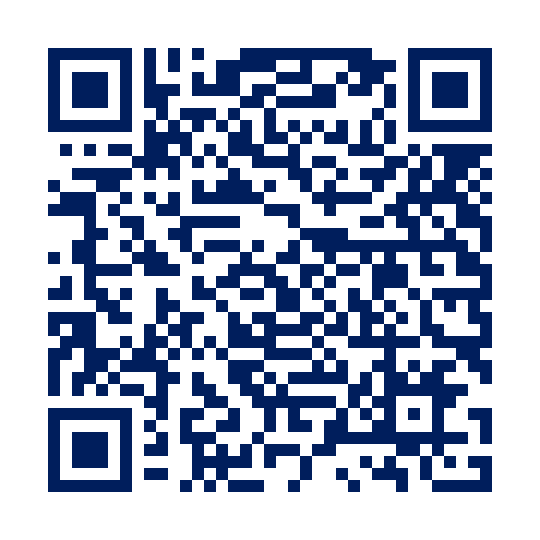
QR code for mobile verification